Why Cookies Stop Working After You Deploy a MERN App (And How to Fix It)
Your login works on localhost, then breaks the moment you deploy to Vercel and Render. Here is why cookies get blocked and the exact settings I use to fix it.
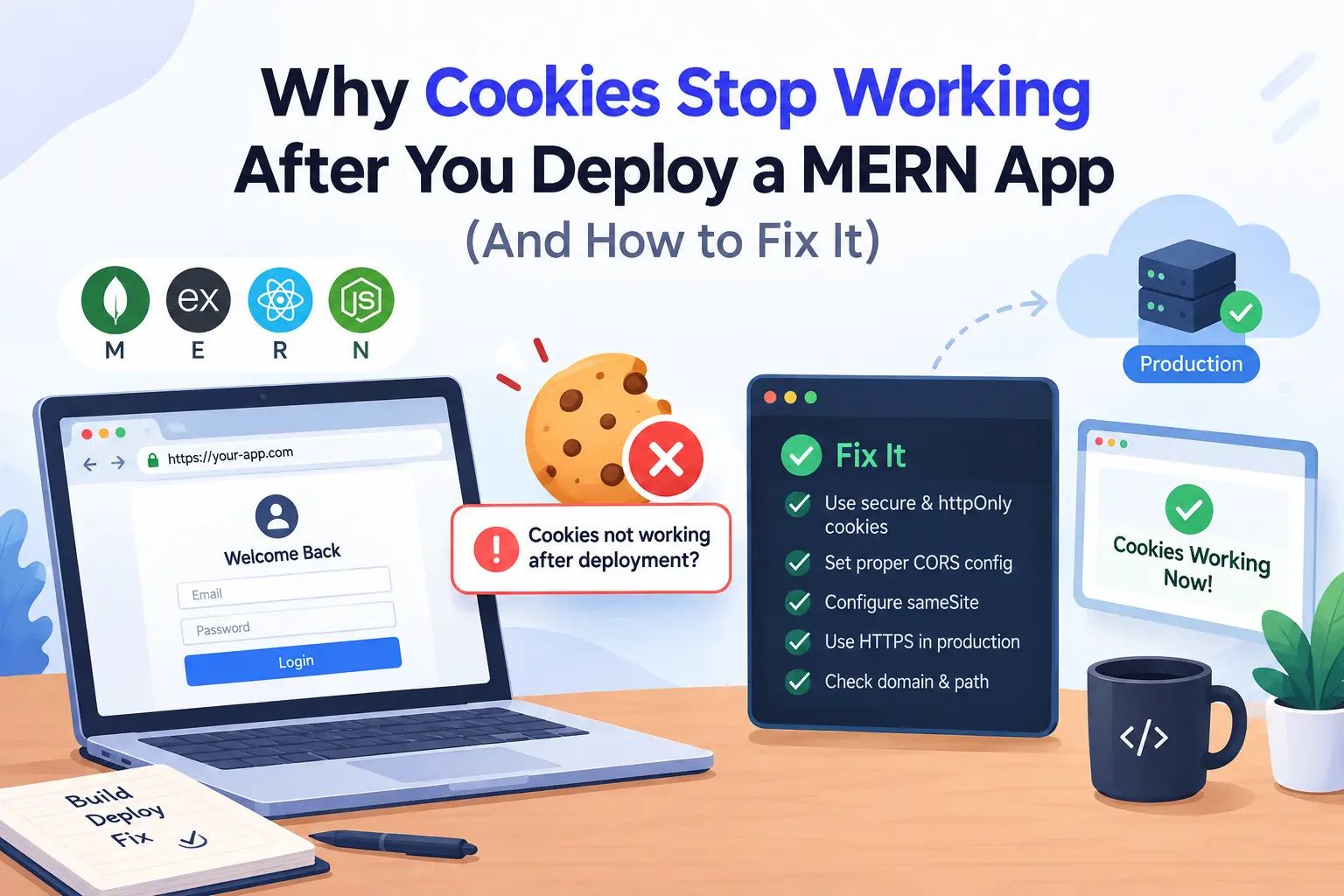
You build a login system. It works perfectly on your laptop. Then you deploy the React app to Vercel and the Express API to Render, and suddenly nobody can stay logged in. The login request returns 200, but the next request returns 401.
If your MERN cookies are not working in production, you are not alone. This is one of the most common problems after a first deployment. The good news is that it always comes down to a few settings. In this post I will show you why it happens and how I fix it step by step.
Why cookies work on localhost but not in production
On your machine, the frontend runs on localhost:5173 and the backend runs on localhost:5000. Browsers do not care about ports when they decide if two URLs are on the same site. So both are the same site, and cookies flow freely.
After deployment, your URLs look like this:
- Frontend:
myapp.vercel.app - Backend:
myapp-api.onrender.com
These are two different sites. Both vercel.app and onrender.com are on the public suffix list, so every project under them counts as its own site. Now your API cookie is a third-party cookie, and browsers treat it very differently.
How to check what is broken
Before you change any code, open DevTools and look at two things:
- Go to the Network tab, click your login request, and check the response headers for
Set-Cookie. - Go to the Application tab, open Cookies, and see if your cookie was saved.
Here is how to read what you see:
| What you see | Likely cause |
No Set-Cookie header at all | Wrong secure setting, missing trust proxy, or a CORS block |
Set-Cookie has a warning icon | SameSite=None is used without Secure, or the browser blocked it |
| Cookie is saved but not sent on the next request | withCredentials is missing on the client |
| CORS error that mentions credentials | Wildcard origin or credentials: true is missing |
Step 1: Set the right cookie options on the server
For a cross-site setup, your cookie needs HttpOnly, Secure and SameSite=None. I keep these in one file so login and logout always use the same values.
// utils/cookieOptions.js
const isProd = process.env.NODE_ENV === "production";

export const authCookieOptions = {
  httpOnly: true,
  secure: isProd,
  sameSite: isProd ? "none" : "lax",
  path: "/",
  maxAge: 7 * 24 * 60 * 60 * 1000, // 7 days
};
Browsers reject SameSite=None if the cookie is not also Secure. That is why I only turn it on in production. On localhost over plain HTTP, lax works fine.
Also make sure NODE_ENV is really set to production on your hosting dashboard. If it is missing, your app will silently use the development values.
Now use the options in your login controller:
import jwt from "jsonwebtoken";
import { authCookieOptions } from "../utils/cookieOptions.js";

export const login = async (req, res) => {
  // check email and password first, then:
  const token = jwt.sign({ id: user._id }, process.env.JWT_SECRET, {
    expiresIn: "7d",
  });

  res.cookie("token", token, authCookieOptions);
  res.status(200).json({ message: "Login successful" });
};
If you still need to set up your database layer, read my guide on how to connect MongoDB with Node.js using Mongoose.
Step 2: Tell Express to trust the proxy
Render, Railway and most hosts put a proxy in front of your app. The proxy handles HTTPS, then passes plain HTTP to Express. Because of this, Express may think the request is not secure, and libraries like express-session will refuse to set a secure cookie.
Fix it with one line, placed before your other middleware:
app.set("trust proxy", 1);This tells Express to read the X-Forwarded-Proto header from the proxy, so req.secure becomes true.
Step 3: Set up CORS with credentials
Your API must allow your exact frontend origin and allow credentials. This is the full server setup:
import express from "express";
import cors from "cors";
import cookieParser from "cookie-parser";

const app = express();

app.set("trust proxy", 1);

app.use(
  cors({
    origin: process.env.CLIENT_URL, // https://myapp.vercel.app
    credentials: true,
  })
);

app.use(express.json());
app.use(cookieParser());
These are the mistakes I see most often:
- Using
origin: "*"together withcredentials: true. Browsers reject this. - Adding a trailing slash, like
https://myapp.vercel.app/. The origin must match exactly. - Forgetting to add
CLIENT_URLin the hosting dashboard. - Placing
cors()after your routes instead of before them.
Step 4: Send credentials from the frontend
Even if the server is perfect, the browser will not send cookies unless you ask it to. With Axios, set withCredentials once on your instance:
// src/lib/api.js
import axios from "axios";

export const api = axios.create({
  baseURL: import.meta.env.VITE_API_URL,
  withCredentials: true,
});
With the Fetch API, use credentials: "include":
fetch(`${import.meta.env.VITE_API_URL}/auth/me`, {
  credentials: "include",
});
If you are still on Create React App and import.meta.env does not work for you, see my guide on migrating a MERN app from CRA to Vite.
Step 5: Clear the cookie on logout the right way
A cookie is only removed if the clear options match the options used to set it. Do not pass maxAge when clearing, because it can stop the cookie from being deleted.
import { authCookieOptions } from "../utils/cookieOptions.js";

export const logout = (req, res) => {
  const { maxAge, ...clearOptions } = authCookieOptions;

  res.clearCookie("token", clearOptions);
  res.status(200).json({ message: "Logged out" });
};
The problem that config alone cannot fix: blocked third-party cookies
You can do everything above and still see broken logins for some users. Safari blocks third-party cookies by default. Firefox isolates them per site. Chrome blocks them in Incognito mode and when users turn on the setting.
So a cross-site cookie setup works for you in Chrome, then fails for a client on an iPhone. This is why I do not rely on cross-site cookies for real projects. There are three better options.
Option 1: Use one domain for both apps (best option)
Put your frontend and backend on subdomains of the same domain:
app.yourdomain.comfor the frontendapi.yourdomain.comfor the backend
These are the same site, so the browser treats your cookie as first-party. You can then use sameSite: "lax" and it works in every browser. Both Vercel and Render support custom domains.
Option 2: Proxy API calls through Vercel
If you cannot use a custom domain yet, use Vercel rewrites. The browser talks only to your Vercel domain, and Vercel forwards the request to your API. Add this to vercel.json:
{
  "rewrites": [
    {
      "source": "/api/:path*",
      "destination": "https://myapp-api.onrender.com/api/:path*"
    }
  ]
}
Then set VITE_API_URL=/api in your frontend environment. Every request now looks same-origin, and the cookie becomes first-party. One thing to know: this works for normal REST calls, but WebSocket connections need to go straight to the backend, so real-time features can still run into cookie problems.
Option 3: Add the Partitioned attribute (CHIPS)
CHIPS (Cookies Having Independent Partitioned State) lets a cross-site cookie work in supporting browsers, as long as it is stored per top-level site. You add one option:
res.cookie("token", token, {
  ...authCookieOptions,
  partitioned: true,
});
It needs secure: true and sameSite: "none", and you should use a recent Express version. It mainly helps Chromium browsers, and it does not solve the Safari problem. I treat it as a backup, not the main fix.
Do not forget CSRF
When you use SameSite=None, you lose some of the built-in protection against CSRF attacks. If your app changes data with cookie auth, add a CSRF token, or at least check the Origin header on write requests. Using a same-site setup like Option 1 avoids this problem entirely.
Quick checklist
Run through this list before you spend hours debugging:
NODE_ENVis set toproductionon the server- Cookie has
httpOnly: true,secure: trueandsameSite: "none"in production app.set("trust proxy", 1)is added before other middleware- CORS uses the exact frontend URL, with no trailing slash and no
* - CORS has
credentials: true - Axios has
withCredentials: true, or Fetch hascredentials: "include" - Logout uses the same cookie options, without
maxAge - Tested in Safari and in a Chrome Incognito window
- Considered a custom domain or a Vercel proxy
If your auth check runs through TanStack Query and you see stale data after login or logout, my post on common React Query issues and invalidate queries will help.
Frequently Asked Questions
Why do my cookies work in Postman but not in the browser?
Postman does not enforce SameSite rules or CORS. It only proves your API logic works. Browsers add extra security checks, so a request can pass in Postman and still fail in the browser.
Should I use localStorage instead of cookies?
It avoids the cross-site problem, but any script on your page can read localStorage, so an XSS bug can leak the token. An HttpOnly cookie is safer for auth tokens. I prefer to fix the cookie setup instead of moving the token to localStorage.
Does SameSite=Strict work when the frontend and backend are on different domains?
No. Strict blocks the cookie on all cross-site requests. For separate domains you need None, or better, move both apps under one parent domain and use Lax.
Why does my cookie disappear only on iPhones?
Safari blocks third-party cookies by default. The fix is to make your API same-site with a custom domain or a proxy, not to change cookie flags.
Final thoughts
Most MERN cookie problems in production come from one idea: on localhost your apps share a site, and after deployment they do not. Set the correct cookie flags, trust the proxy, configure CORS with credentials, and send credentials from the client. Then, for a setup that works in every browser, move your frontend and API under the same domain.
If you want help with authentication, deployment or a full build, take a look at my MERN stack development service and Node.js backend development service. You can also see my past projects, read more on the blog, or contact me directly.