Common React Query Issues, Query Key and Invalidate Queries Problems Explained
React query fixes a lot of problems that come with useEffect based fetching, i already wrote about that in my last post. But once you start using it in real projects you run into a new set of issues, mostly around query keys and invalidation. Most of these bugs happen not because react query is […]
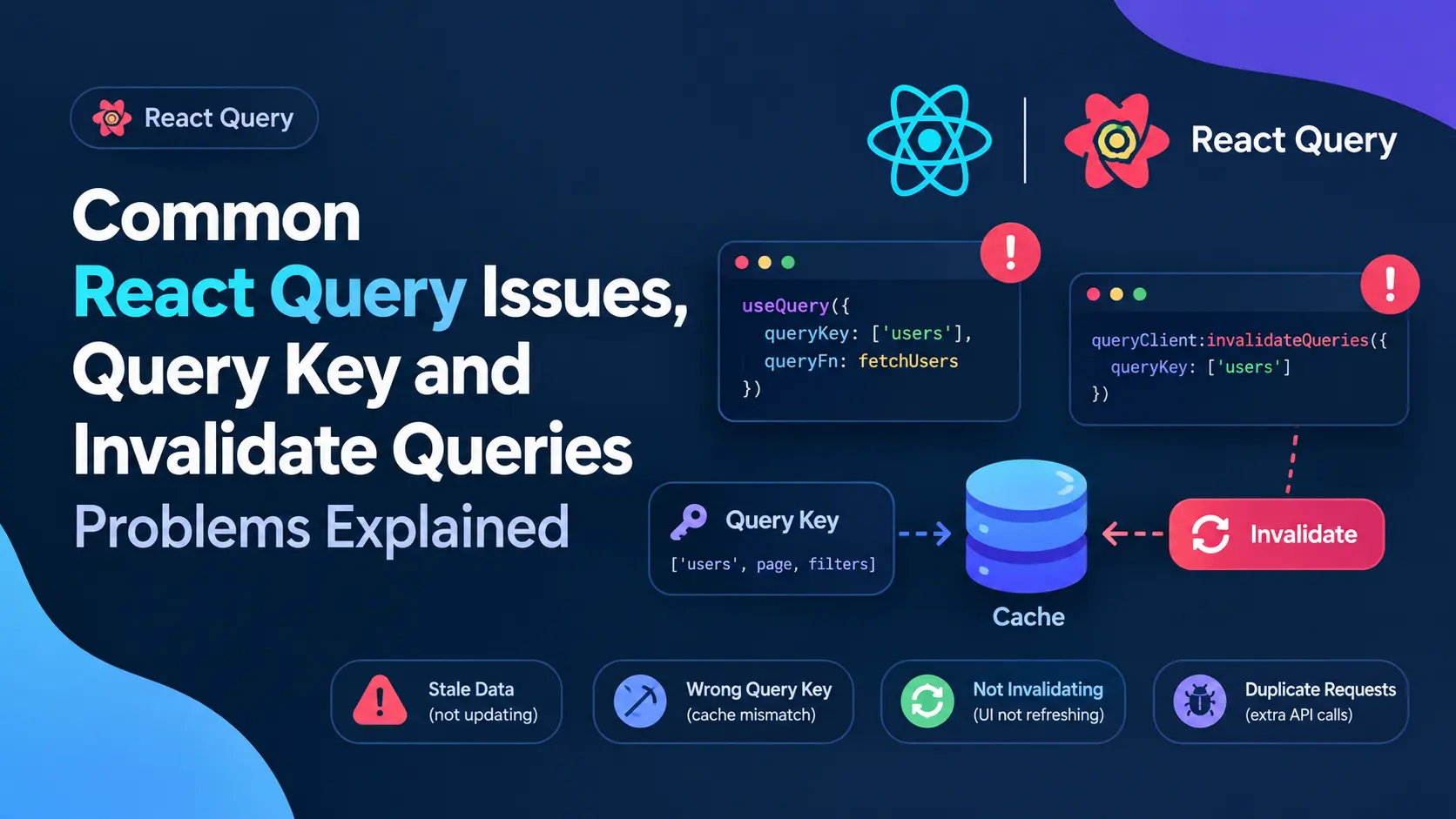
React query fixes a lot of problems that come with useEffect based fetching, i already wrote about that in my last post. But once you start using it in real projects you run into a new set of issues, mostly around query keys and invalidation. Most of these bugs happen not because react query is broken, but because the query key was not passed correctly.
In this post im going through the most common issues i faced and how i fixed them, with actual code examples for pagination, update and delete cases.
The Root Cause, Query Keys Not Matching
React query uses query keys to decide what data belongs to what. If your key doesnt match exactly, invalidation just silently fails, no error, no warning, it just wont refetch and you spend an hour wondering why.
Here is a mistake i see a lot.
// fetching data
useQuery(['users', page], () => fetchUsers(page));

// trying to invalidate later
queryClient.invalidateQueries(['users']);
This actually works fine because react query does partial matching by default, ['users'] will match ['users', page] too. But the problem starts when people do something like this.
useQuery(['users', { page: page, filter: filter }], fetchUsers);

queryClient.invalidateQueries(['users', { page: 1 }]);
Now this wont match properly because the object in the key is different, react query compares keys deeply but the shape has to line up close enough, and a lot of devs pass half the params during invalidate which just doesnt match the original key structure. Always keep your key structure consistent, dont randomly leave out params when invalidating.
Case 1, Pagination Query Not Refetching After Invalidate
This is probably the most common issue people ask me about. You have a paginated list, you invalidate the query after some action, but only the current page refetches or sometime nothing happens at all.
const { data } = useQuery(
  ['users', page],
  () => fetchUsers(page)
);
If you only call queryClient.invalidateQueries(['users']) this should actually invalidate all pages since react query matches by prefix. But if somewhere else in your app you fetch users with a slightly different key, like ['usersList', page] in one component and ['users', page] in another, invalidate wont touch both. Keep one single source of truth for your keys, i usually make a small keys file for this.
export const userKeys = {
  all: ['users'],
  list: (page) => ['users', page],
  detail: (id) => ['users', id, 'detail'],
};
Now everywhere i fetch or invalidate i use this same function, no typos, no mismatch.
Case 2, Invalidating Pagination and Detail Query After Update
Let say you have a user detail page and a user list page with pagination. User updates their profile from detail page, now you need both the detail query and the list query to reflect new data.
const updateUser = useMutation({
  mutationFn: (data) => updateUserApi(data),
  onSuccess: (_, variables) => {
    queryClient.invalidateQueries({ queryKey: userKeys.detail(variables.id) });
    queryClient.invalidateQueries({ queryKey: userKeys.all });
  },
});
Notice i invalidate the detail query with the exact id, and the list query using the base key userKeys.all which is ['users']. Since this is a prefix of ['users', page], all pages of the paginated list get invalidated too, no matter what page number they are on. This is the part people usually miss, they only invalidate the current page key like ['users', 1] and forget the user might be sitting on page 3 when the update happened.
Case 3, Delete Should Invalidate the List, Not the Detail
When you delete something, there is no detail query left to invalidate really, the item is gone. What you need is to refresh the list so the deleted item disappears from pagination.
const deleteUser = useMutation({
  mutationFn: (id) => deleteUserApi(id),
  onSuccess: () => {
    queryClient.invalidateQueries({ queryKey: userKeys.all });
  },
});
One thing to watch here, if you are on the last page of pagination and you delete the last item on that page, invalidate alone wont fix an empty page issue, you might need to also check if current page has data after refetch and move user back a page if its empty. Thats more of a ui logic thing but it trips people up because they assume invalidate handles everything automatically.
Cache Issues I Ran Into
Stale data showing up for a second before refetch This happens because react query shows cached data first then refetches in background. Its actually expected behavior, not a bug, but if you dont want any stale flash you can set staleTime: 0 for that specific query, though this brings back extra network calls so use it carefully.
Refetch on window focus causing unwanted calls By default react query refetches when user switches back to the tab. On some pages this is not needed, specially if data rarely changes, you can turn it off per query.
useQuery(['users', page], () => fetchUsers(page), {
  refetchOnWindowFocus: false,
});
Old cache showing after logout and login with different user This one bit me once. If you dont clear the query client on logout, next user sometime sees cached data from previous user for a split second. Fix is simple, just call queryClient.clear() on logout.
const handleLogout = () => {
  queryClient.clear();
  logoutUser();
};
Final Thoughts
Most react query problems i debugged over time werent actually about the library, they were about query keys not being consistent across the app. Once you centralize your keys and understand how prefix matching works for invalidation, most of these invalidate issues go away on their own.
If you’re working on a react or next js project and running into similar caching or invalidation bugs, feel free to reach out, i work as a full stack mern and next js developer and i deal with these exact issues regularly while building dashboards and saas platforms. You can check my work at Mern Stack Developer Project.