Can a Website Owner Retrieve Your Password from a Database?
Learn how passwords are stored in a database, how hashing and encryption differ, and how developers protect user passwords in different languages.
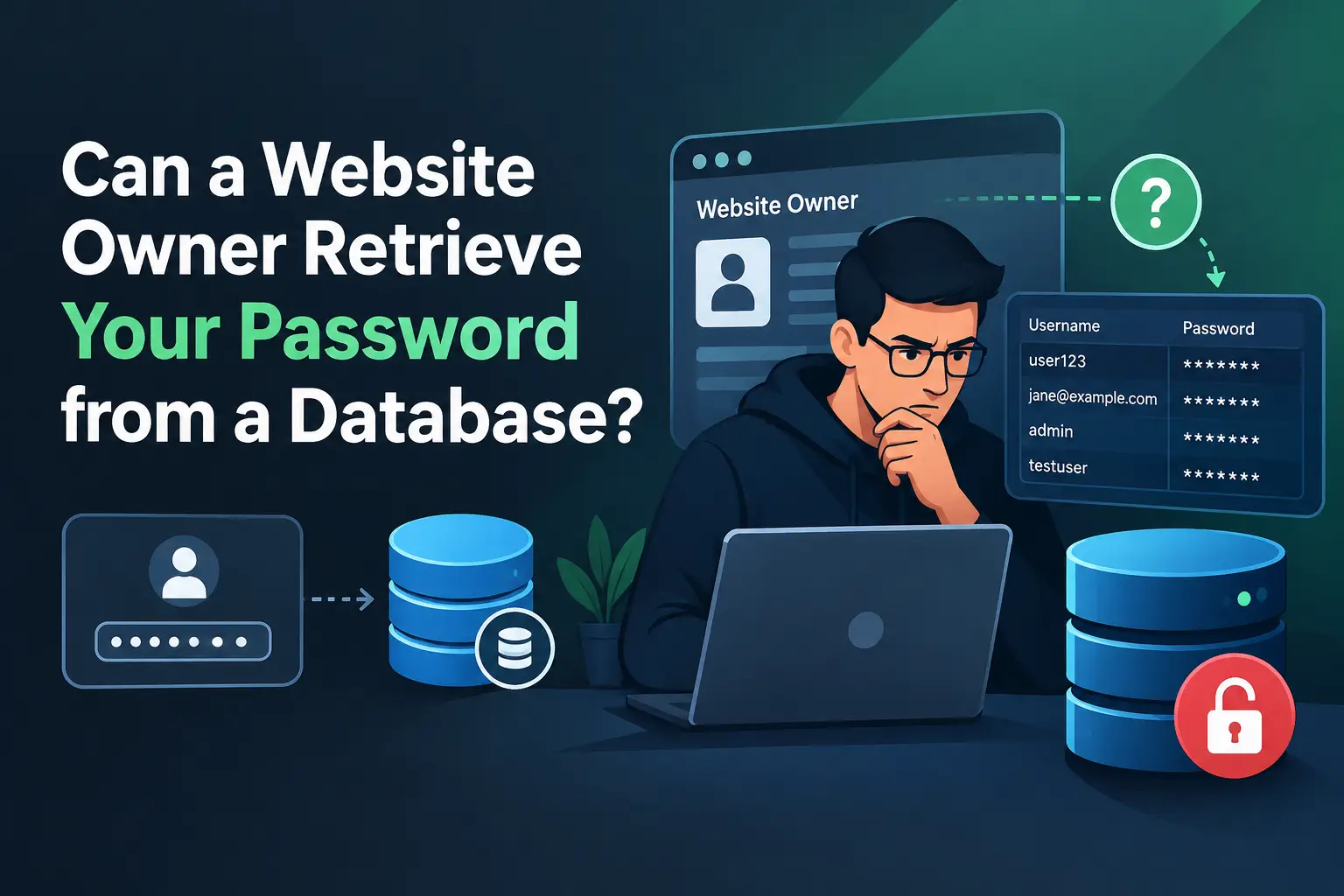
Have you ever thought about your password after you enter it on a website and click the submit button? How does your browser send it to the websites server, and how is it stored in database? These are important questions because passwords protects our personal information and online accounts.
When you create an account, the password is sent to the website’s backend, backend performs some processing before storing it in a the database. In a secure application the password is hashed using a suitable password hashing algorithm instead of storing the original password. In this article I will explore how passwords are stored, what is hashing and encryption, how password hashing works, and how different programming languages help developers to protect user’s passwords.
What is encryption?
Encryption is a process through which readable information is converted into an unreadable form so that unauthorized people cannot understand it. When you enter your password, the browser sends it to the website’s backend over a secure HTTPS connection. The backend then processes the password according to the application’s security rules.
Example of encrypted data:
- Original message: admin123
- Encrypted message: x5#PQ!2@ZA
This is just an example. Actual encrypted data depends on the encryption algorithm, the key, and the input. With the correct decryption key.
What is Hashing?
Hashing is a process through which a password is converted into a value called a hash. Unlike encryption, password hashing is designed to be a one-way process, which means we cannot simply reverse the hash to get the original password.
When you create an account on a website, the backend uses a suitable password-hashing algorithm to generate a hash of your password and stores that hash in the database instead of storing the original password.
There are two major distinctions that make hashing different from encryption:
- Hashing is designed to be one-way. The original password cannot simply be recovered by reversing the hash. However, attackers may guess passwords and check whether their guesses match a stolen hash.
- Hashing produces a hash value. Its format and length depend on the algorithm and how the result is stored. Encryption, on the other hand, produces ciphertext that can be decrypted using the correct key.
Does every programming language use password hashing?
Almost every programming language can hash passwords, but none of them do it for you automatically. The developer has to choose to do it.
Think of hashing as an idea, not a feature of one language. Whether you write code in PHP, Python, Java, or JavaScript, you can use the same idea: never save the real password, save a scrambled version of it.
How languages help
Some languages have hashing built in. PHP is the best example, with ready-made functions called password_hash() and password_verify().
How does hashing work?
Hashing is like putting your password through a meat grinder. You can turn a steak into minced meat, but you can’t turn the minced meat back into a steak.
A hash function takes any input, like your password, and turns it into a long string of random-looking characters called a hash.
That output looks like nonsense, and there is no way to run it backwards to get “password123” back.
Advantages of hashing
The biggest advantage of hashing is that a website never has to keep your real password. When you sign up, the server scrambles it and saves only that scrambled version. So if a hacker breaks into the database, all they find is a pile of strange-looking text, not passwords they can actually use. And because hashing only works one way, there’s no easy trick to turn it back. Attackers have to guess passwords one at a time, and with slow algorithms like bcrypt, that can take years. It also means even the developers and admins can’t see what your password is. Login still feels normal, since the server just hashes what you type and checks if it matches. Of course, hashing won’t save a weak password like “123456”, but it makes a stolen database way less dangerous than it would be otherwise.
Conclusion
So, can a website owner retrieve your password from a database? If the website is built properly, no.
A secure website never saves your real password. It saves only a hash, and because hashing works one way, the owner, the developers, and even a hacker who steals the database cannot simply turn that hash back into your password. The owner can reset your password if you forget it, but they can’t tell you what the old one was.
The answer changes if the website is built badly. If a site stores passwords in plain text, the owner can read every one of them. If it uses encryption instead of hashing, then anyone who has the key can decrypt all the passwords. That is why hashing, and not encryption, is the right choice for storing passwords.
Remember that your password is only as safe as the website that stores it. The server briefly sees your real password when you submit it, right before hashing it. So use strong, unique passwords, and don’t reuse the same one on different sites. Then even if one website is breached, your other accounts stay safe.